 SnapMonster
Turn a Photo Into a Monster
Snap a photo. Create a Monster. Battle with friends. Point your camera at an everyday object and watch the AI turn that photo into a monster — built from what it actually sees.
Real object in, original creature out. No drawing, no app install.
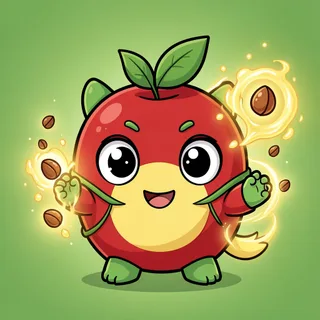
Every card is built from what the camera actually sees — shape, colour and mood.
Photo to Monster is the heart of SnapMonster: you take one picture of something real, and the AI transforms it into a one-of-a-kind battle creature. The magic isn't a filter slapped over your image — when you turn a photo into a monster here, the AI reads the object first, then dreams up a brand-new design inspired by it. Point the lens at a houseplant and you might summon a leafy guardian; aim it at a wrench and out crawls something armored and earthbound.
So what does the AI "read" when you turn a photo into a creature? Four signals: the object's shape (round and friendly, spiky and aggressive, tall and looming), its colors (which steer the element — greens lean grass, blues lean water, reds lean fire), its material and texture (soft plush vs. cold metal vs. living plant), and its overall vibe. Those four readings map straight into the monster's element, art style, stats, and one signature power.
How photo-to-monster works
From real object to battle card in about thirty seconds.
Snap the object
Photograph anything around you — a mug, a cactus, your sneakers. No camera? Pick one from a set of fun everyday objects instead.
AI reads & forges
Shape, color, material and vibe become an element, original artwork, stats and a signature power.
Reveal & battle
Your monster is born on its own card. Collect it, then duel a friend or the CPU.
Watch a real battle
A 15-second look at how a battle actually plays out — server-decided, no installs.
Before & after: the same magic, different objects
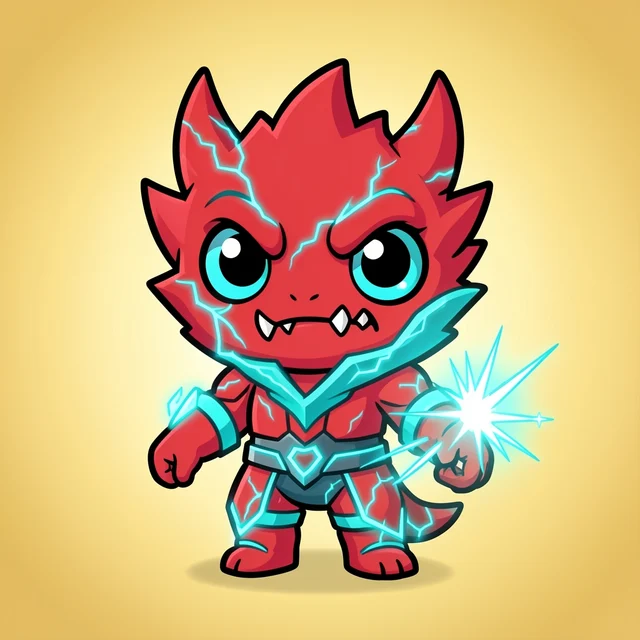
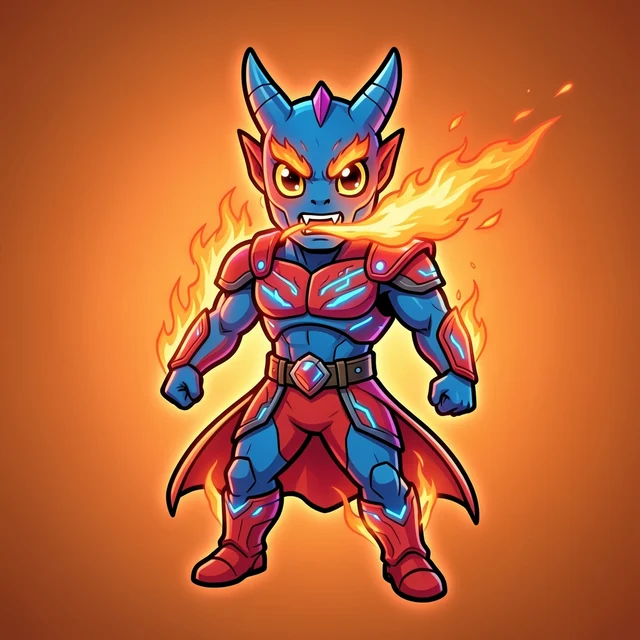
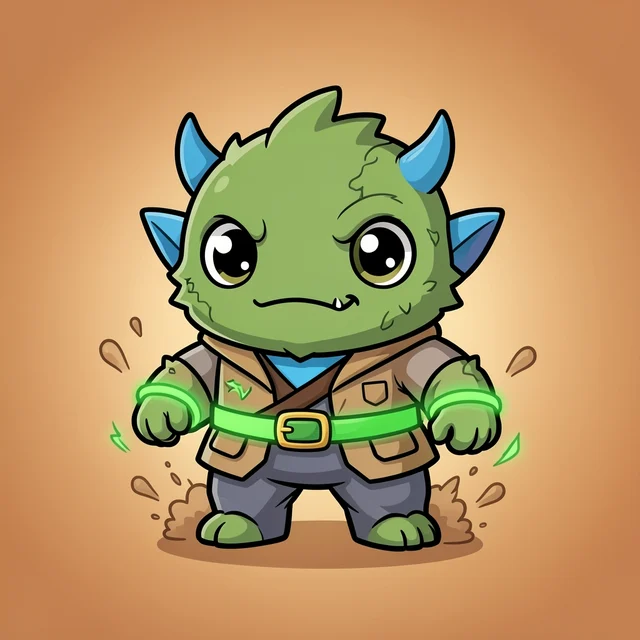
Every card below began life as an ordinary thing someone pointed a camera at.
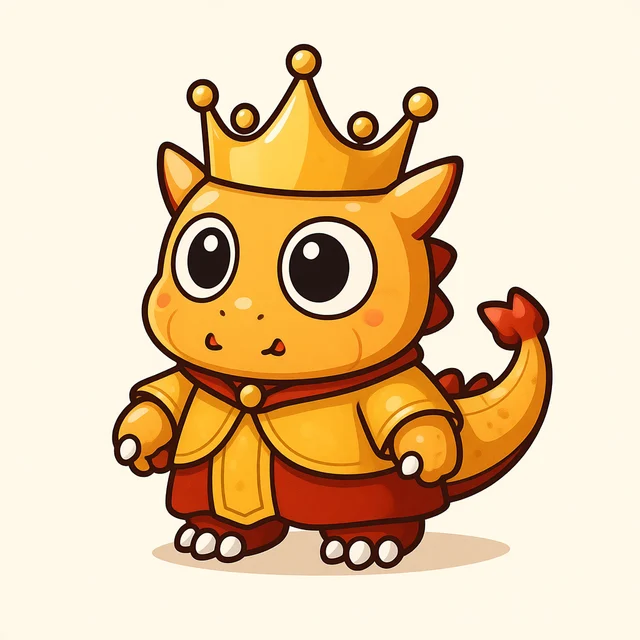
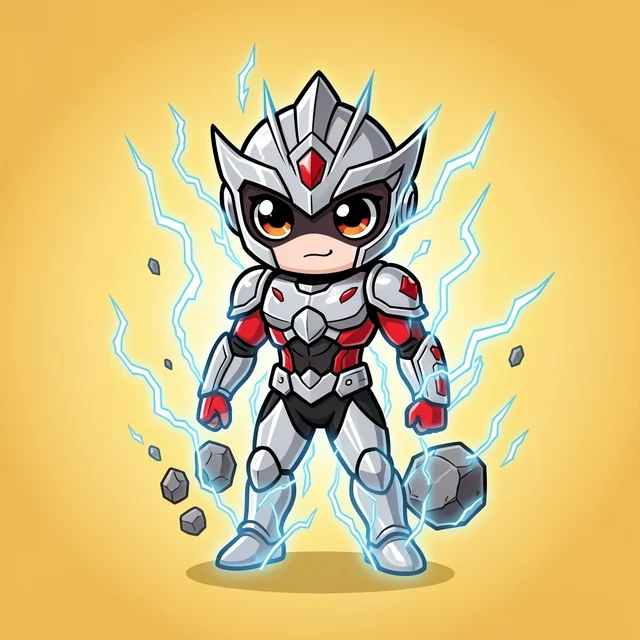
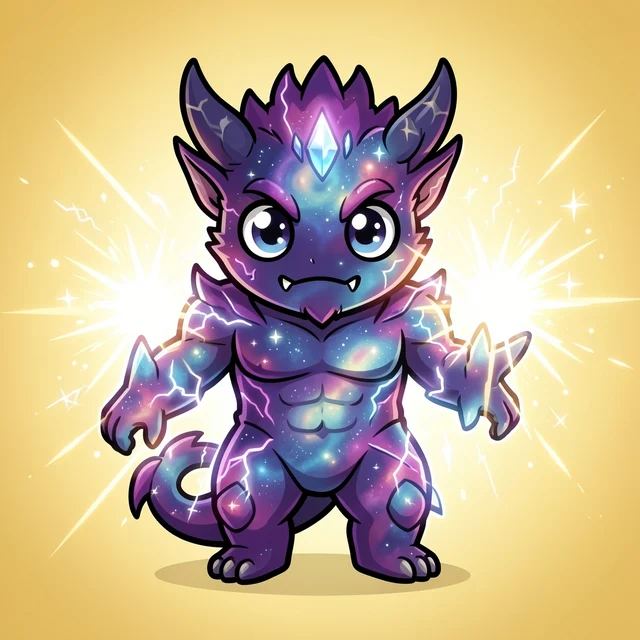
What different objects tend to become
Not rules — tendencies. The same object can surprise you twice.
A leafy houseplant usually summons a grass-type guardian: vines, petals, a calm but stubborn defender. A hammer or wrench tends to forge something earth-tough and metallic — heavy, blunt, hard to knock down. A cactus almost always turns prickly and defensive, a counter-puncher that punishes attackers. A sports shoe leans fast and electric, a hit-and-run striker built on speed. A teddy bear softens into a gentle normal-type with surprising heart. Bright reds and flames push toward fire; deep blues and anything wet lean water. Mix the readings — a red plastic toy, a steel-blue mug — and the AI blends them into something you didn't expect.
Why turning a photo into a monster here is different
Frequently asked questions
How does turning a photo into a monster actually work?
You snap one clear photo of an object. The AI reads four things — its shape, its dominant colors, its material, and its overall vibe — then designs a monster whose look, element and signature power echo what it saw. The result is original art, not your photo with a frame on it.
What kind of monster will my object become?
It depends on the object. A houseplant tends toward a leafy grass monster; a hammer or wrench leans earth or metal-tough; a cactus often turns prickly and defensive; a sports shoe becomes fast and electric; a teddy bear softens into a gentle normal-type. Color and texture nudge the final element and stats.
Is the photo-to-creature tool free?
Yes. You can turn your first photos into monsters with no sign-up at all. A free account unlocks more energy so you can keep generating, collecting and battling.
Does my photo get pasted onto the card?
No. SnapMonster never slaps your photo onto a template. The AI interprets the object and draws a brand-new creature from scratch, so every monster is a fresh design no one else has.
What makes a good photo to turn into a monster?
One clear subject, good light, and a bit of personality. The AI has the most to work with when the object is in focus and fills the frame — a mug, a plant, your sneakers, a toy, your pet all work great.
Keep exploring
Point. Snap. Meet your monster.
Pick anything on your desk and see what the AI reads in it.
📸 Turn my photo into a monster