 SnapMonster
Turn a drawing into a monster
Photograph a sketch, doodle or fridge-door masterpiece. SnapMonster reads it as a real object and reimagines it as a monster card with art, an element, stats and a signature power.
- Free to start
- Works in the browser
- Print cards later
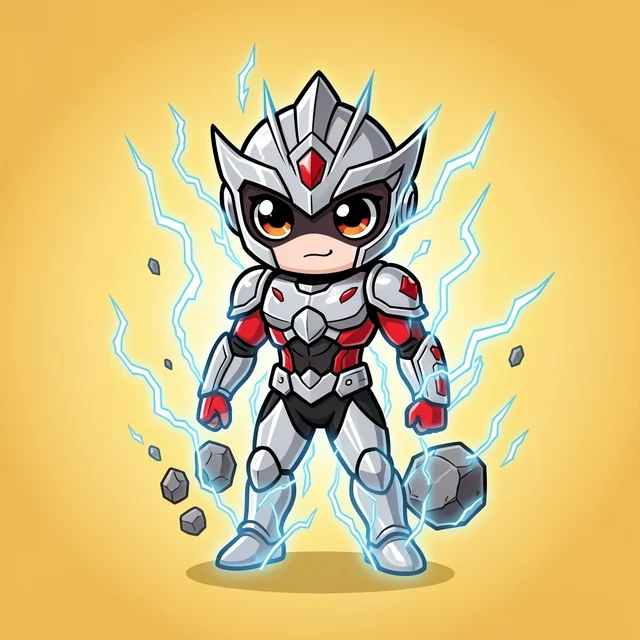
A rough drawing is useful because bold shapes and colors give the AI a clear direction.
From paper to monster card
SnapMonster does not need a polished illustration. A marker sketch, school notebook doodle or birthday-card creature can be enough. The app treats the drawing like any other source photo: it looks for shapes, colors and personality, then builds a new creature around them.
The result is not a strict trace. It is a reinterpretation: a monster that feels connected to the drawing while still becoming its own collectible card for battles, gifting and printing.
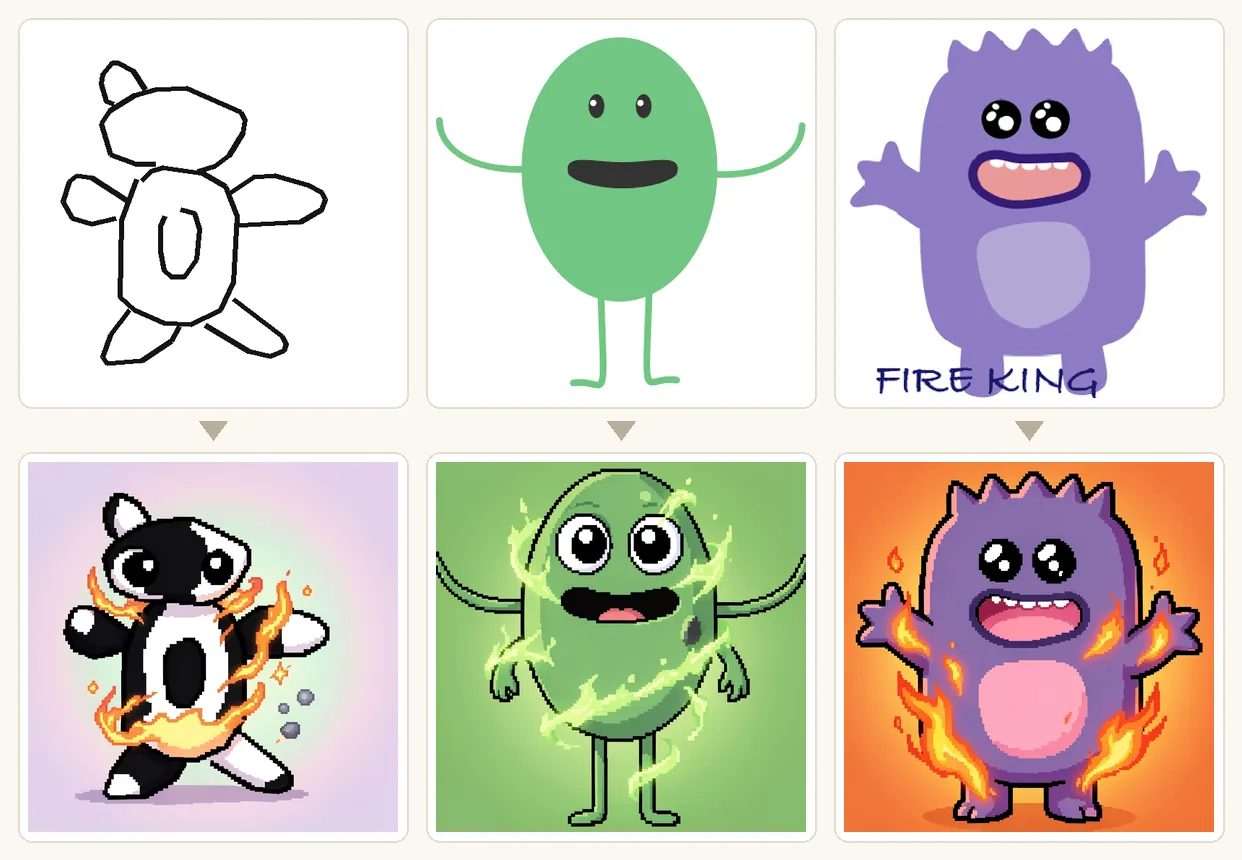
Three quick steps
Good source drawings
High contrast works best: dark pencil on white paper, marker shapes, colored pencil blocks, or a single character centered on the page. If the drawing is faint, take the photo closer and use brighter light.
Frequently asked questions
Does SnapMonster trace the drawing exactly?
No. It reimagines the drawing as a new monster card. That keeps the output playful instead of acting like a line-art tracing tool.
Can I print the monster card?
Yes. Saved cards can be arranged for printing, including poker-card size layouts. See the printable cards guide for the craft workflow.
Is a drawing safer than a face photo?
For family use, drawings, objects, toys and pets are better source material than faces. SnapMonster is designed around real-world things, not identity photos.
Keep exploring
Try one sketch
Take a clear photo of the drawing and see what kind of battle creature it becomes.
Turn a drawing into a monster